This is a structured exercise from the Harisenin UI/UX & PM bootcamp (Basic Mission 3) — the design pairs and the prototype brief are given by the program. Shown here as evidence of applying usability principles to justify a design call.

01Context
The brief gave five pairs of UI designs. For each pair: pick which one is correct and justify the call by naming the usability principle behind it. A second part asked for a Figma prototype of a train-ticket (KA) booking flow.
025 calls
| # | Call | Principle cited |
|---|---|---|
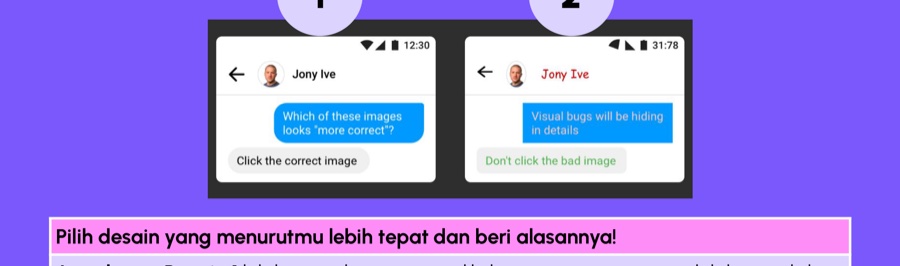
| 1 | Chat/profile screen — the neutral-toned design, not the one using red for a non-urgent label and button. | Clarity, aesthetic-usability effect. |
| 2 | Search bar — the icon placed inside the input field. | Matches the user's mental model. |
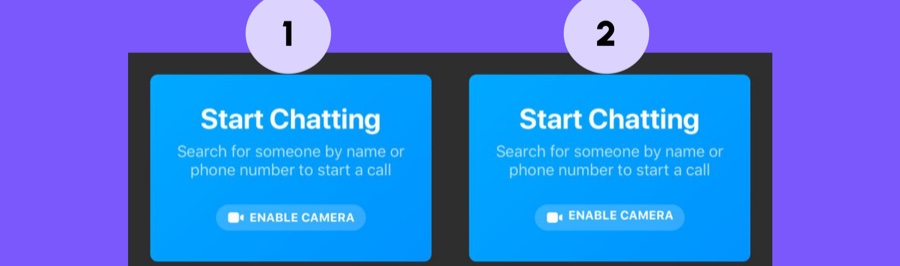
| 3 | Camera permission screen — the one with an icon that clarifies the button's function. | Recognition over recall. |
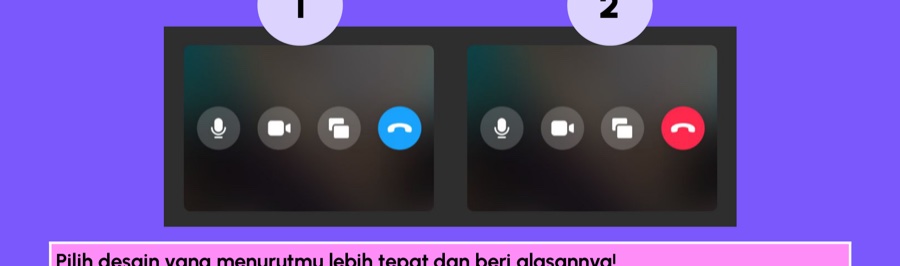
| 4 | Call-end button — the one using red, not blue, to end a call. | Familiarity & control (red is the universal "stop" signal). |
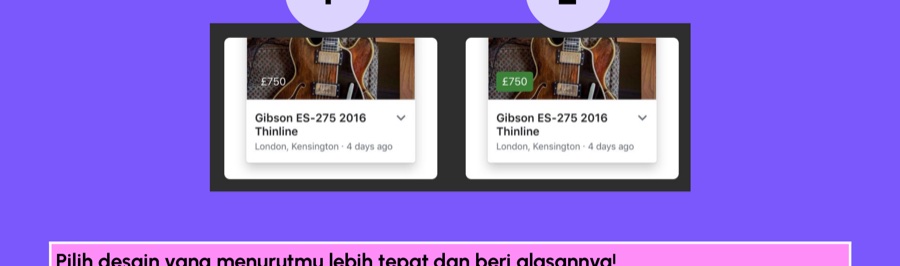
| 5 | Price badge in an e-commerce listing — the high-contrast badge that draws the eye during scanning. | Visual hierarchy, affordance. |
03Prototype: train-ticket booking
A Figma prototype for a train-ticket (KA) booking flow: home → select train → select seat → payment. View the prototype on Figma ↗
04What this demonstrates
Naming the specific usability principle behind a design call, rather than just picking by eye — the same reasoning muscle used when defending a design decision to a stakeholder.